Dreamstar: A Script Font for Elegant Design
There’s a quiet confidence in choosing the right font. It’s not just about aesthetics—it’s about how the typeface supports the message, the mood, and the reader’s journey. For a recent redesign of a lifestyle blog, I found myself drawn to Dreamstar, a script font that feels both refined and approachable. Its delicate strokes and smooth curves offered a fresh tone for the site’s header, adding a touch of sophistication without overwhelming the content.
The Visual Character of Dreamstar
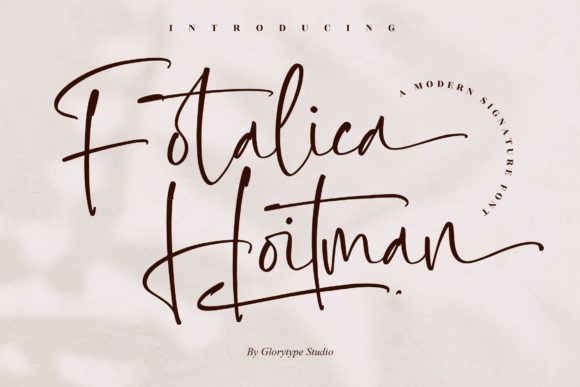
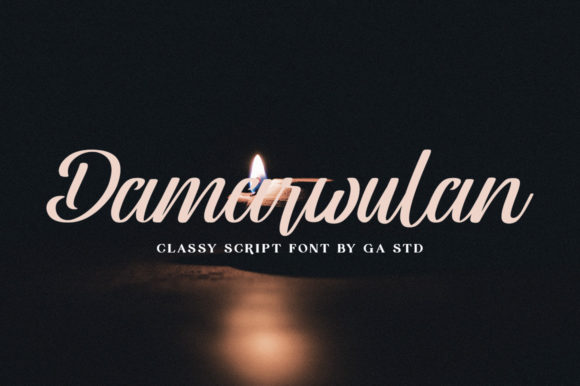
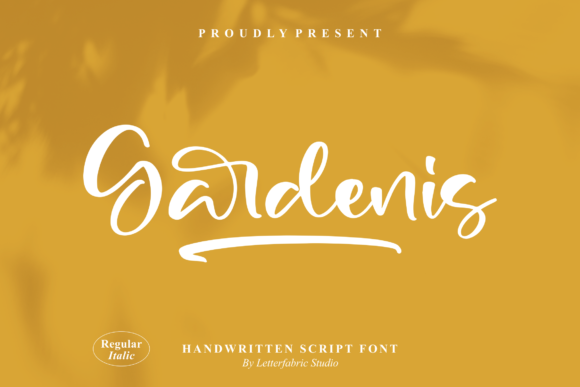
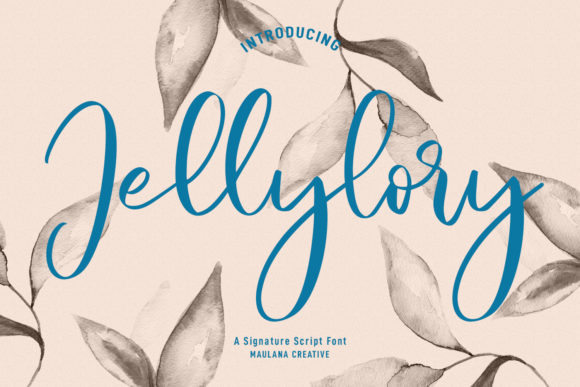
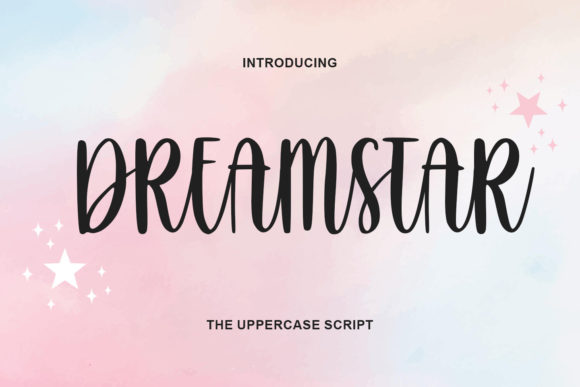
Dreamstar is a script font with a clean, thin, and smooth vibe. Its visual rhythm is gentle, making it ideal for designs that require a sense of grace and movement. The font carries a subtle personality—neither too formal nor too casual. It has a softness that works well in editorial layouts, where the goal is to guide the reader through content without distraction.
When used in headlines or pull quotes, Dreamstar adds a layer of visual interest. Its flowing lines create a sense of motion, which can be especially effective in storytelling or creative nonfiction. But it’s also versatile enough to work in more structured formats, like printable planners or coaching workbooks, where clarity and consistency matter.
Using Dreamstar in Real Editorial Projects
One of the first places I tested Dreamstar was on a recipe ebook cover. The font’s elegance complemented the food photography, giving the design a polished, professional feel. It worked well as a title font, drawing attention without overpowering the imagery. In this context, Dreamstar felt like the perfect balance between style and readability.
For a wedding guide, I used Dreamstar in section headings and decorative accents. Its script style added a personal, handwritten touch that matched the theme of the publication. It was especially effective when paired with a serif font for body text, creating a layered, cohesive look that felt both modern and timeless.
Readability and Practical Considerations
While Dreamstar is beautiful, it’s important to consider its readability in different formats. On screens, especially smaller mobile devices, the font’s thin strokes can sometimes blur at lower sizes. This makes it less ideal for body copy or long paragraphs. However, when used in larger sizes—as a headline, cover text, or pull quote—it shines.
For print materials, Dreamstar holds up well, especially when printed at higher resolutions. It’s also worth noting that the font includes alternates and ligatures, which can enhance its typographic appeal in more detailed layouts. These features are useful for designers looking to add subtle variations without compromising legibility.
Pairing Dreamstar with Other Fonts
Font pairing is key to effective editorial design. Dreamstar pairs beautifully with clean sans serif fonts for captions and navigation, offering a contrast that helps guide the reader’s eye. When used alongside a serif font for body text, it creates a harmonious balance between formality and creativity.
For example, in a digital magazine layout, I paired Dreamstar with a classic serif font for article body text. The result was a visually engaging page that maintained readability while still feeling stylish. This combination worked particularly well in sections that required both visual flair and clear communication.
Best Uses for Dreamstar
Dreamstar excels in display applications. It’s a strong choice for blog headers, magazine covers, ebook titles, and newsletter graphics. Its expressive nature makes it ideal for pull quotes, chapter openers, and decorative accents. It can also be used in logo design, where a unique, handwritten feel is desired.
However, it’s not the best fit for extended reading. As a script font, it lacks the structural clarity needed for dense paragraphs or small captions. That said, when used strategically, it can elevate a design without compromising usability.
Considerations for Commercial Use
If you’re planning to use Dreamstar in commercial projects—such as ebooks, templates, printables, or paid newsletters—it’s important to check the licensing terms. Most premium fonts come with specific guidelines for usage, and ensuring compliance is essential for legal and ethical reasons.
Additionally, checking the font’s multilingual support and file formats is crucial. Some script fonts may not include all necessary characters for non-English languages, and file format compatibility can affect how the font is used across different platforms.
Dreamstar is more than just a pretty font—it’s a tool for creating editorial experiences that feel intentional and thoughtful. Whether you’re designing a lifestyle blog, a recipe ebook, or a coaching workbook, it offers a way to express your brand’s identity with elegance and precision. Its versatility, combined with its refined aesthetic, makes it a valuable addition to any designer’s toolkit.